Configure database
In this tutorial, we will learn how to configure the database connection
Introduction
MEDfl uses a MySQL database to store configurations and results. To configure this setup on your local machine, you'll need to set the configuration file to establish the connection with MySQL.
Video tutorial
Steps:
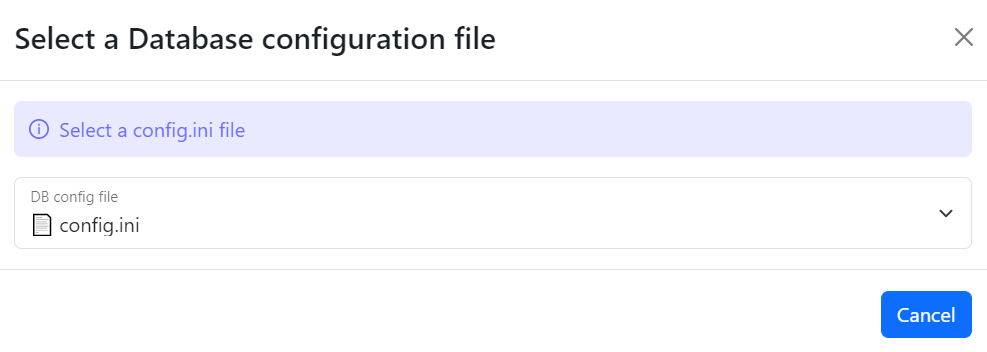
Once you open the MEDfl window you will see a popup window containing the instructions on how to create the config file

Create
config.iniinside theDATAdirectory
modify the
config.ini content
Click on the "DB config file" button, select your file, and upon successful configuration, you will see a success message confirming that the setup is complete.